Back Up a Live SQLite Database Through SQLite
Guepard Team
November 14, 2026
A live SQLite database is not always a single self-contained file at the instant a filesystem copy reads it. Journaling state, concurrent writes and copy timing matter. Use SQLite's online backup API or another supported snapshot mechanism instead of assuming cp is a transactional backup.
This is particularly important for embedded applications whose database remains open all day. A backup should correspond to a coherent database state, not a blend of pages copied at different times.
The concrete problem
Python's sqlite3 module exposes the backup API. The example creates a separate backup file from a source connection. File permissions, encryption and retention are deployment concerns that must be handled around this illustrative procedure.
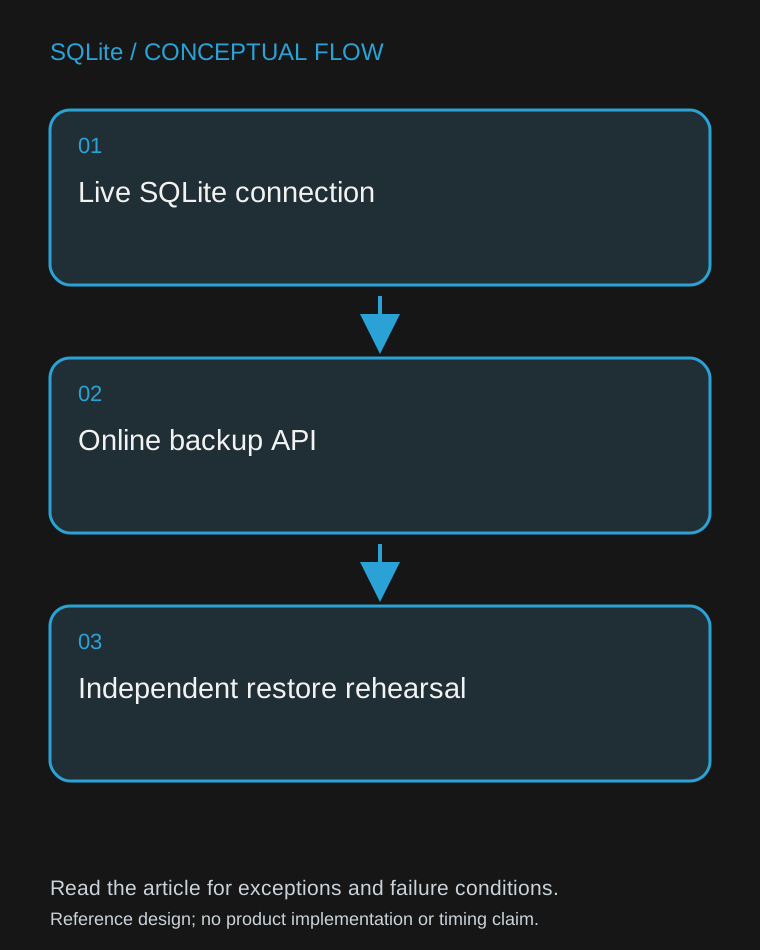
Figure: Live SQLite connection → Online backup API → Independent restore rehearsal.
A worked example
import sqlite3
from pathlib import Path

source_path = Path('app.db')
backup_path = Path('backup-rehearsal.db')
# Use designated paths; do not overwrite an existing recovery artifact.
if backup_path.exists():
    raise RuntimeError('Choose a new backup destination')
with sqlite3.connect(source_path) as source:
    with sqlite3.connect(backup_path) as destination:
        source.backup(destination, pages=100)
        result = destination.execute('PRAGMA quick_check').fetchall()
        if result != [('ok',)]:
            raise RuntimeError(result)
Why the behavior matters
The backup API understands SQLite's locking and snapshot rules. Incremental copying can reduce how long any individual step holds resources, but a heavily changing source can still affect progress. Record backup duration and handle errors rather than assuming every attempt completes promptly.
quick_check is a structural check, not proof that the database contains every business event expected by the application. Restore the backup into an isolated application instance and verify important invariants. Keep the original backup immutable while doing recovery experiments on a copy.
Failure modes and design tradeoffs
The code deliberately avoids inventing a universal backup schedule. The appropriate frequency depends on how much recent data the user can afford to lose and whether another event log can replay it. Backups stored on the same failing disk do not protect against that disk's loss.
Do not upload production-derived backup files into development tooling without an approved data-handling path. A masked test dataset and an encrypted recovery backup serve different purposes: changing data for privacy can make it unsuitable for production recovery.
What to verify before adoption
Write a known marker, take the backup, write a second marker, and verify which state the restored snapshot contains. Test restoration on a clean machine with the actual application version. Confirm access controls, retention and deletion behavior separately. Record the last successful restore, not just the last successful file creation.
Primary reference
- SQLite documentation. Verify the exact deployed version and driver behavior before using the example in a production runbook.
Guepard Team
Guepard Engineering

